Your idea, in words
Give the AI Image Generator a subject, setting and palette. Start simple, then refine the details.
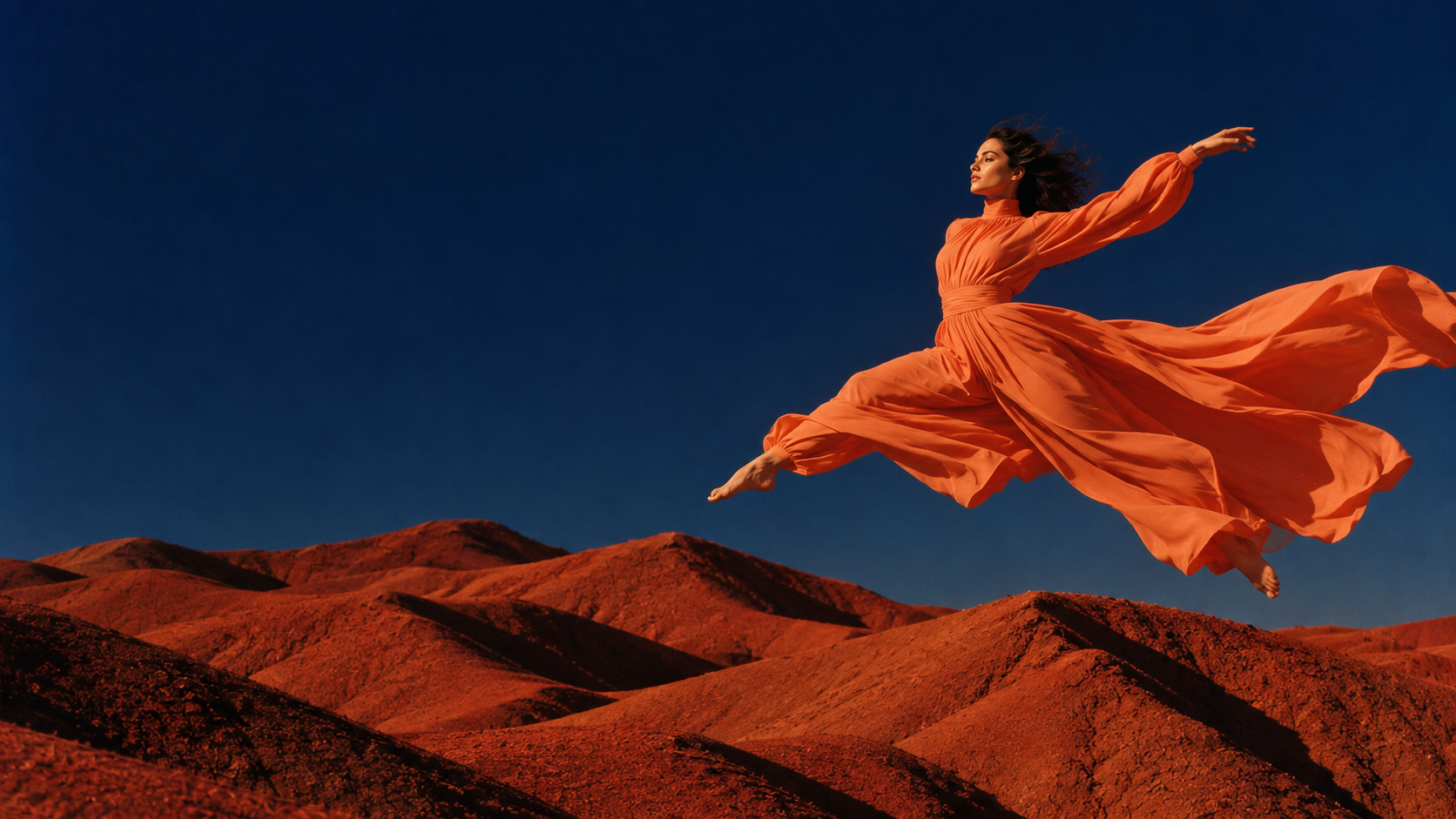
Create original visuals with the SeaDance AI Image Generator. Choose your model, describe an idea, or upload references to guide an edit.
Add images
Avoid copyrighted characters, logos or music and sensitive, explicit or violent material; the provider may block them.
Give the AI Image Generator a subject, setting and palette. Start simple, then refine the details.
Guide the AI Image Generator with a product photo or portrait. Describe what to preserve and change.
Compare GPT Image 2.5, GPT Image 2 and Nano Banana 2 in the same AI Image Generator.
Use the AI Image Generator to explore photography, illustration or concept art through lighting, texture and composition.
Choose a format for your destination. AI Image Generator settings follow the selected model.
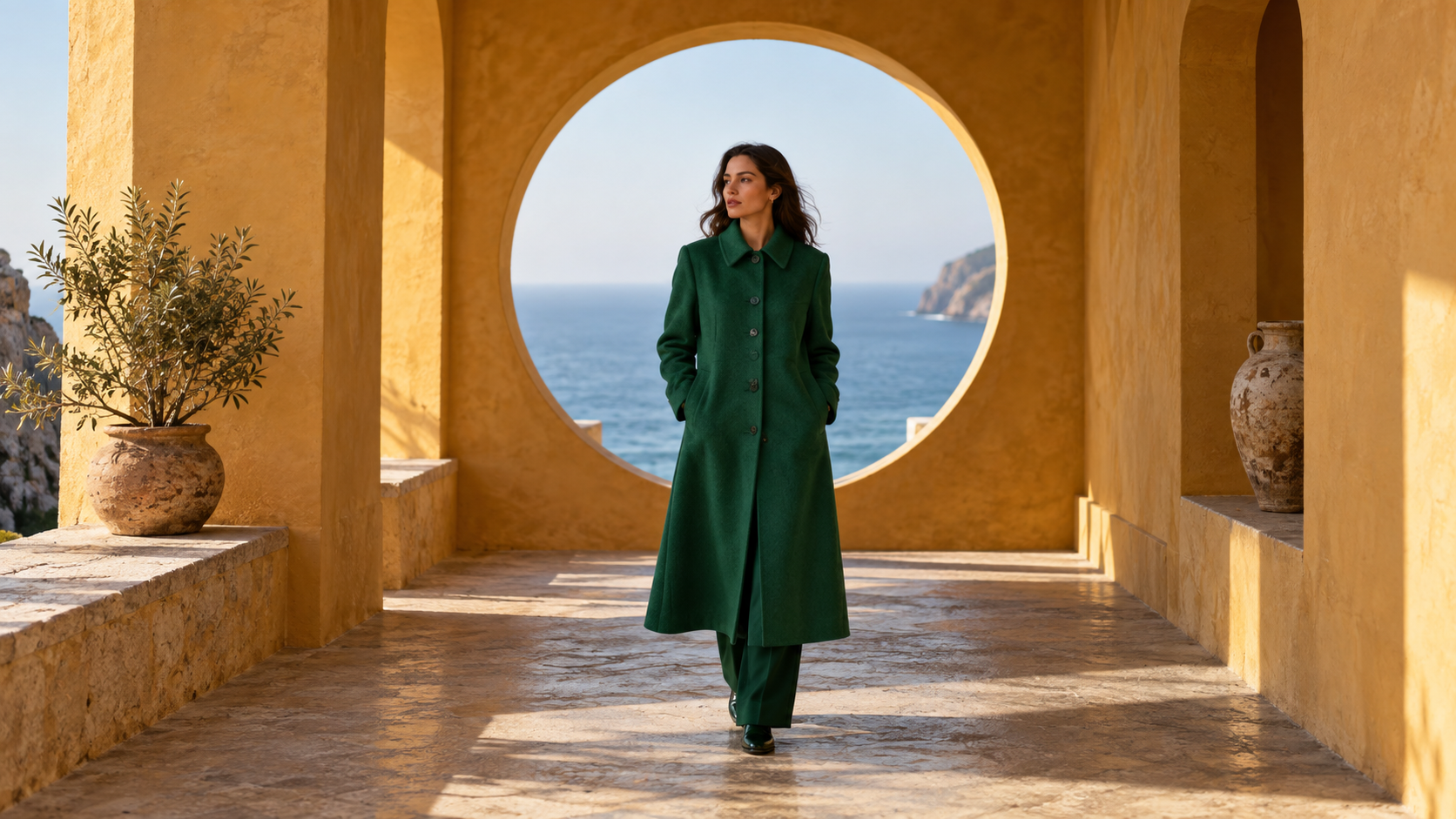
From a first prompt to a finished image in three steps.
Explore plansExplore ideas together, then develop the direction that fits your brief.
Explore plans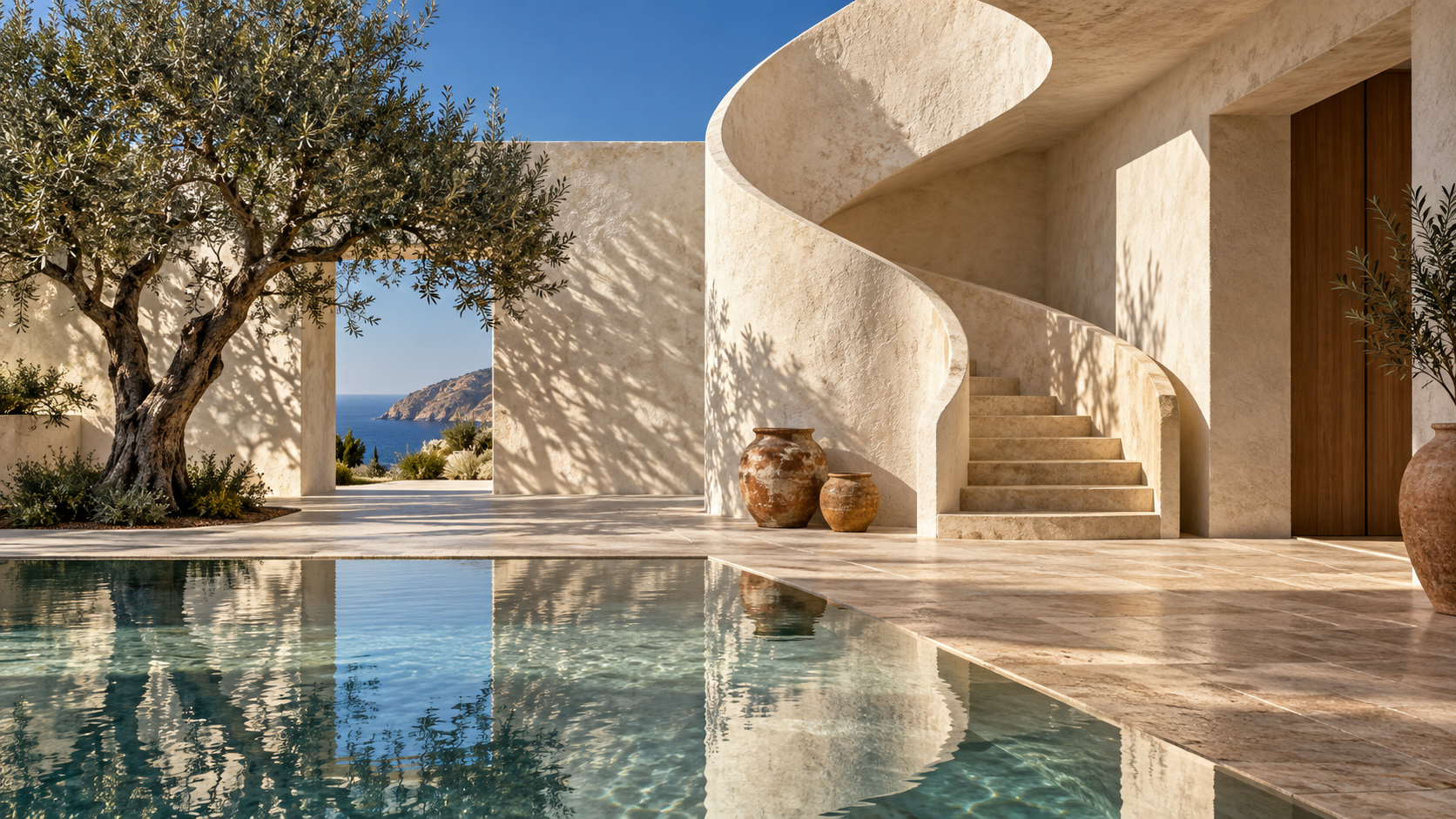
Test composition, color and visual concepts before developing your chosen direction.
Develop campaign directions and compare options before committing to final artwork.
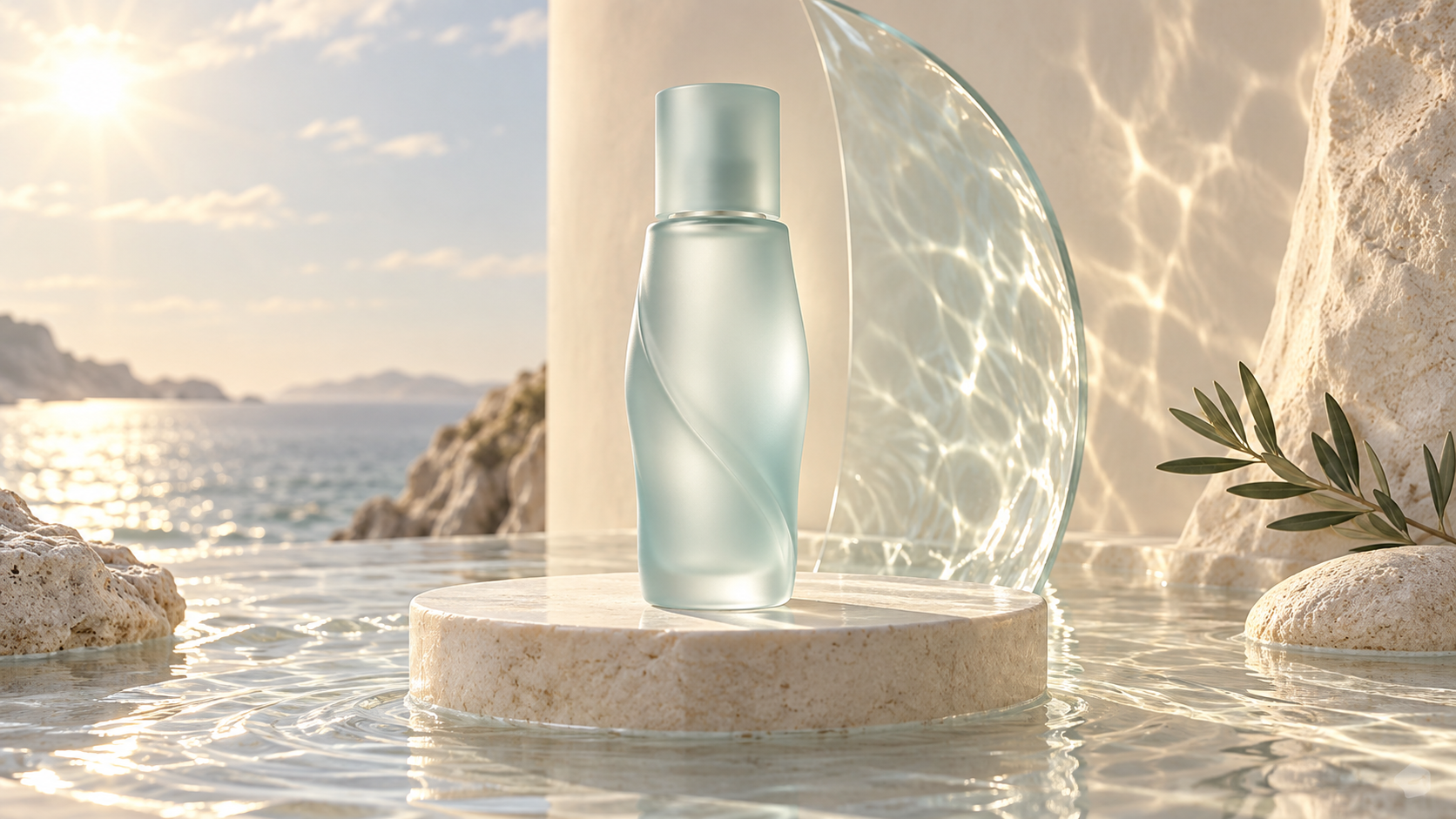
Explore product settings and reference-led variations for your next presentation.
Create covers and editorial concepts that fit your publishing workflow.
Keep the subject, rethink the backdrop, or explore another palette. Describe one clear change at a time.
Explore plansA specific visual brief makes each result easier to evaluate.
Explore plansTell the AI Image Generator where the light comes from and how it falls on your subject.
Describe glass, fabric or brushed metal to give your prompt concrete visual cues.
Give the AI Image Generator a camera angle, subject position and room for any planned headline.
Provide reference images and name the recognizable details you want to preserve.
Change one detail in your AI Image Generator prompt, then compare the new version against your brief.
Start with a purpose, from a social cover to an early storyboard.
Create covers, carousel concepts and illustrations with the AI Image Generator.
Use the AI Image Generator to compare visual directions for a launch.
Explore backgrounds, light and framing with your product photo as a reference.
Turn a scene description into a storyboard concept using the AI Image Generator.
Choose a SeaDance AI plan and bring your next visual brief to life.
Your next visual starts here