Three ways to start
Write a prompt, animate first and last frames, or combine image, video and audio references.
Bring ideas to life faster with MiniMax H3 Max. Turn text, images or references into 5–15 second videos, refine your prompt and explore your next take. Up to 1080p, from 10 credits per second.
Create with MiniMax H3 MaxAvoid copyrighted characters, logos or music and sensitive, explicit or violent material; the provider may block them.
Generate up to 4 video variations with the same prompt and settings.
Write a prompt, animate first and last frames, or combine image, video and audio references.
Choose a resolution for a quick concept, a review clip or a higher-resolution export.
Give a shot time to establish a scene, develop an action and land the final moment.
Use up to 12 files to guide the subject, appearance, movement and sound of a scene.
480p costs 10 credits per second, 768p costs 15 and 1080p costs 40, with no audio or reference-video surcharge.
MiniMax H3 Max
on SeaDance AI
A flexible video workflow for exploring looks, movement and stories.
Start Creating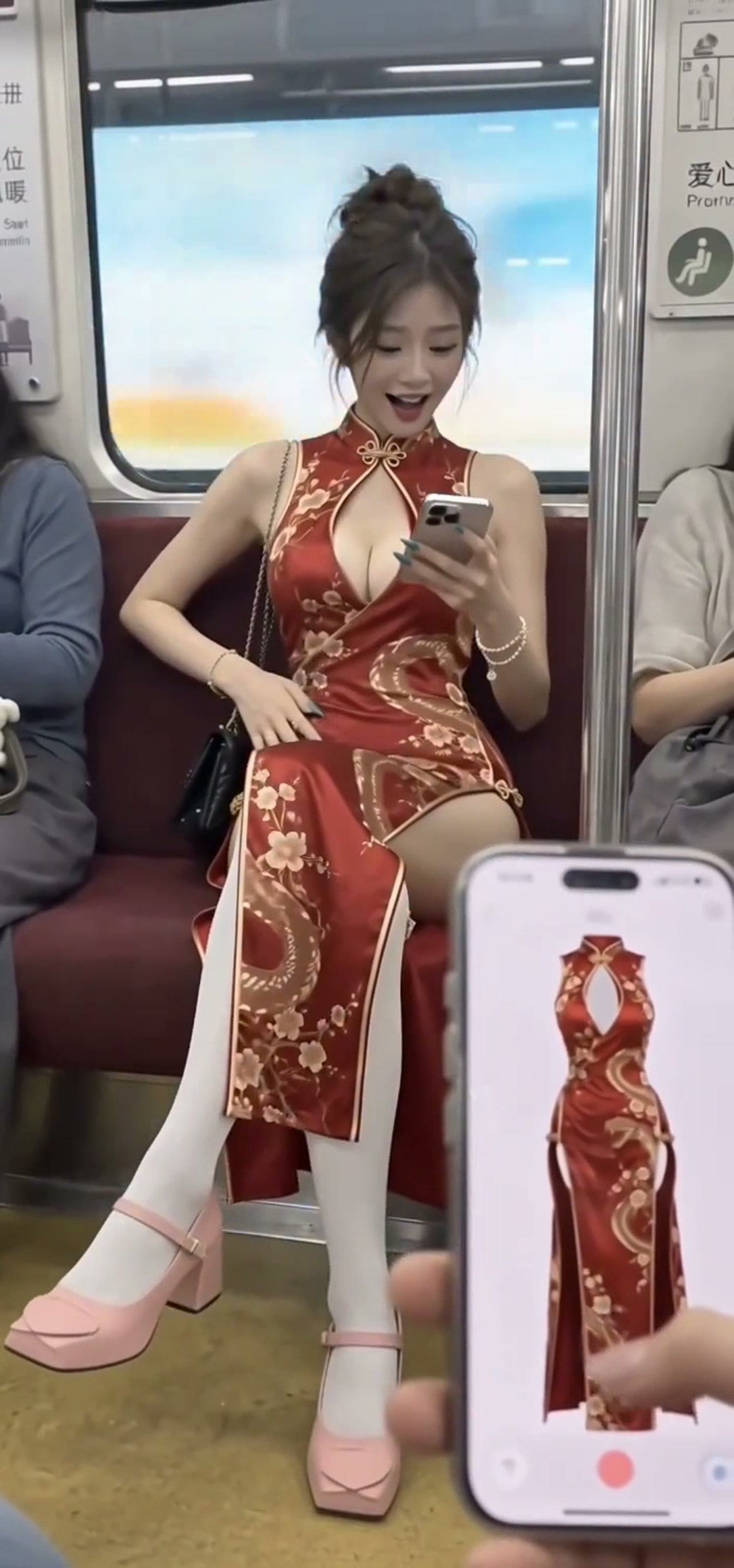
Develop product reveals, fashion concepts and social campaign ideas from visual references.
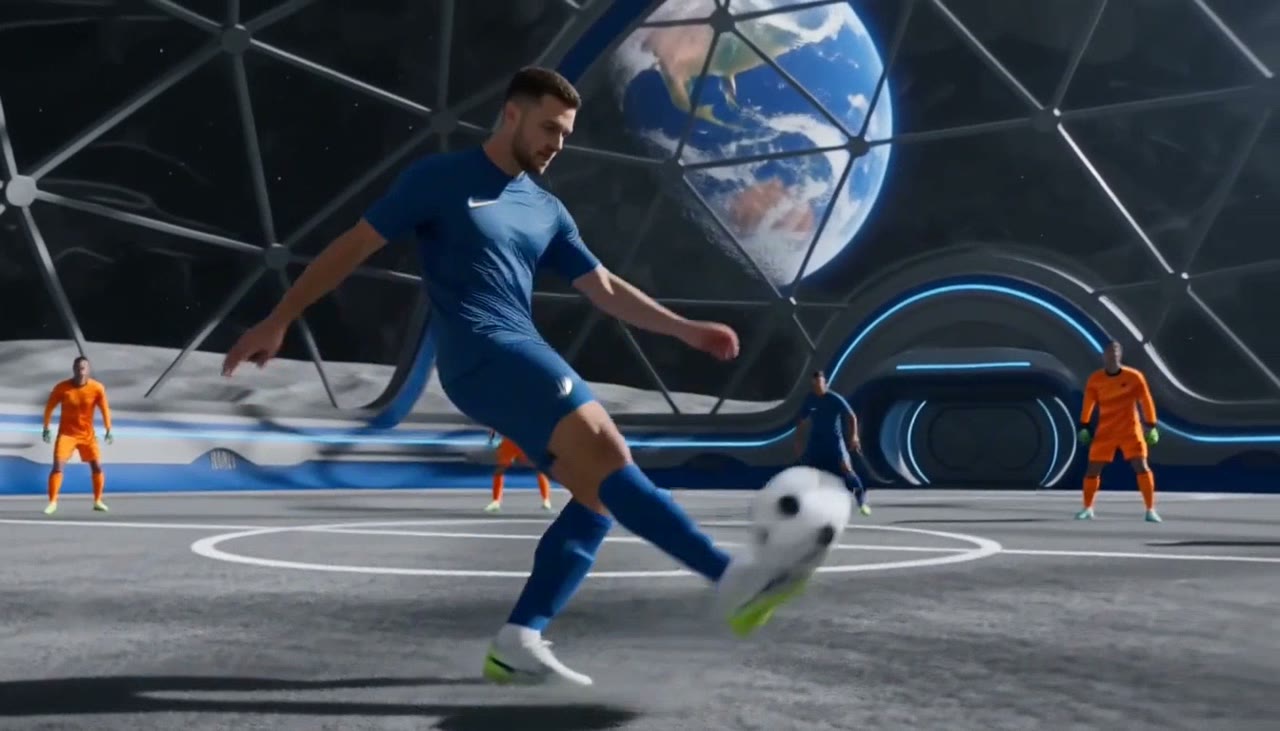
Explore a shot’s camera movement and pacing before choosing the version to develop.
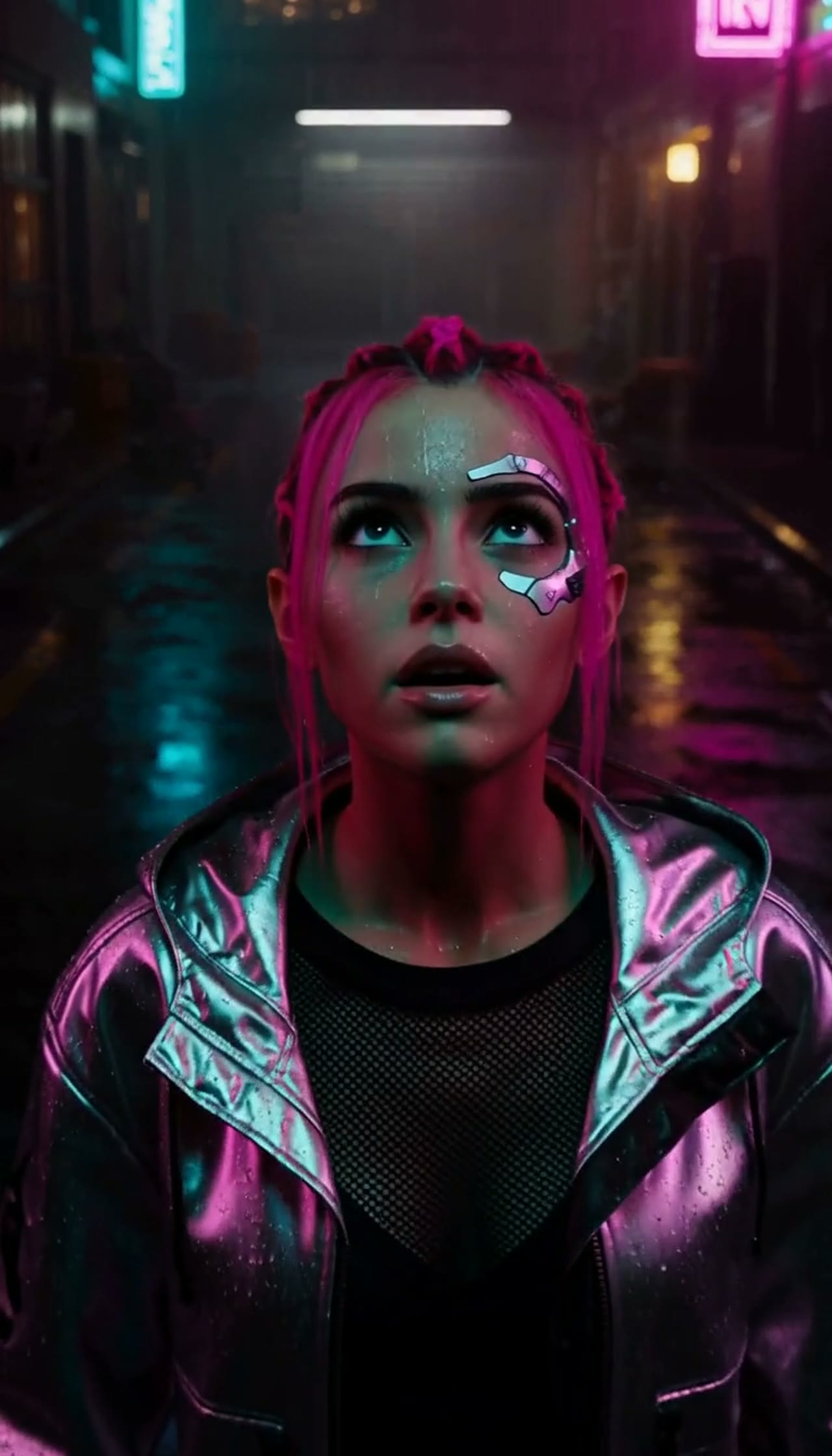
Use image, video and audio references together to direct identity, action and atmosphere.
Start with a clear prompt or a set of references. MiniMax H3 Max brings them into a single video workflow with simple per-second pricing.
Start Creating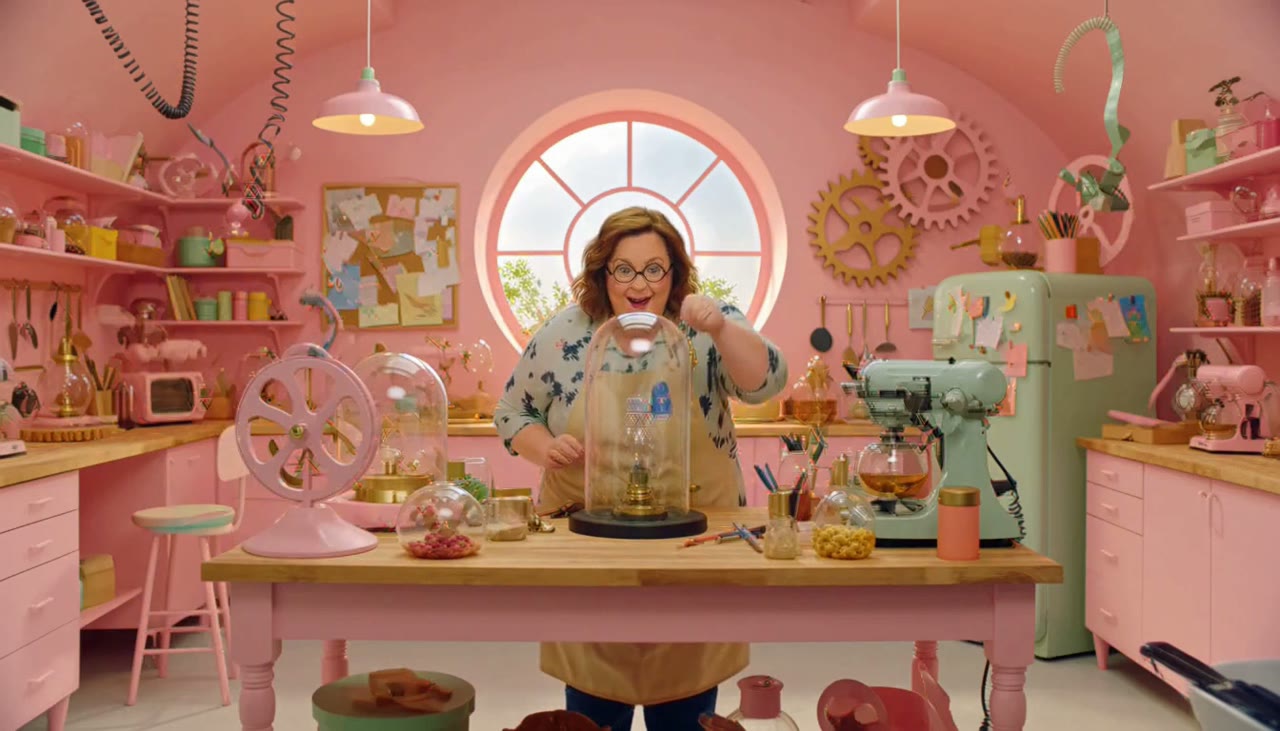
The available settings follow Yiha’s MiniMax H3 Max API, with generation history and credits managed in your workspace.
Start CreatingText-only requests create a new scene. Frame inputs animate your images. Reference mode accepts images, videos and audio together.
Choose 16:9, 9:16, 1:1, 4:3, 3:4 or 21:9 to fit the destination of your clip.
Write a prompt that describes subjects, action, camera movement, lighting and sound.
Up to 9 images, 3 videos and 3 audio clips, with 12 files total. Video and audio are each limited to 15 seconds combined.
Generate one to four versions. Every task has its own status and credit reservation; failed tasks receive an automatic refund.
Build a scene around your prompt and references, then choose the resolution and format for its destination.
Animate a look, direct a reveal, or use reference images to guide the subject and styling.
Describe movement, camera direction and pacing to explore an energetic 5–15 second sequence.
Bring visual references together with audio to develop a recurring character or an imaginative setting.
Make up to four versions, compare results and export in a format that fits your campaign.
Set your scene, bring your references and generate from 10 credits per second.
Clear settings. Predictable credits.