Start with a scene
Give the AI Video Generator a subject, setting and action. Start with one clear shot, then refine the details.
Create your next video with the SeaDance AI Video Generator. Choose a model, describe a scene, or add references to guide the motion.
Add images
Avoid copyrighted characters, logos or music and sensitive, explicit or violent material; the provider may block them.
Give the AI Video Generator a subject, setting and action. Start with one clear shot, then refine the details.
Animate a still with the AI Video Generator. Describe what should move and what should stay steady.
Compare available models in the AI Video Generator. Choose the inputs and settings that suit your project.
Use the AI Video Generator to explore a close-up, slow reveal or tracking shot. Make camera movement part of your prompt.
Review each version, identify one improvement and adjust your prompt. Keep the directions that work best.
Explore ideas together, then develop the direction that fits your brief.
Explore plans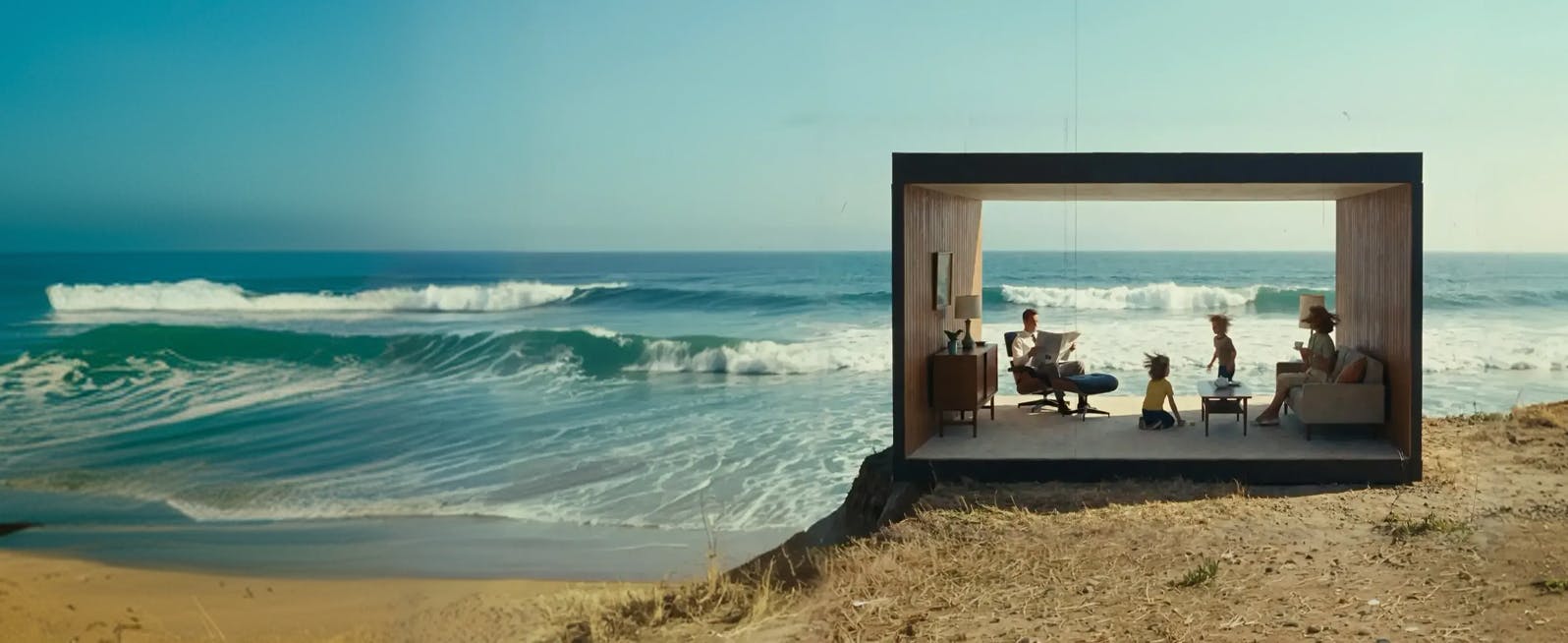
Plan a series, explore a visual hook, or add a new scene to your next social edit.
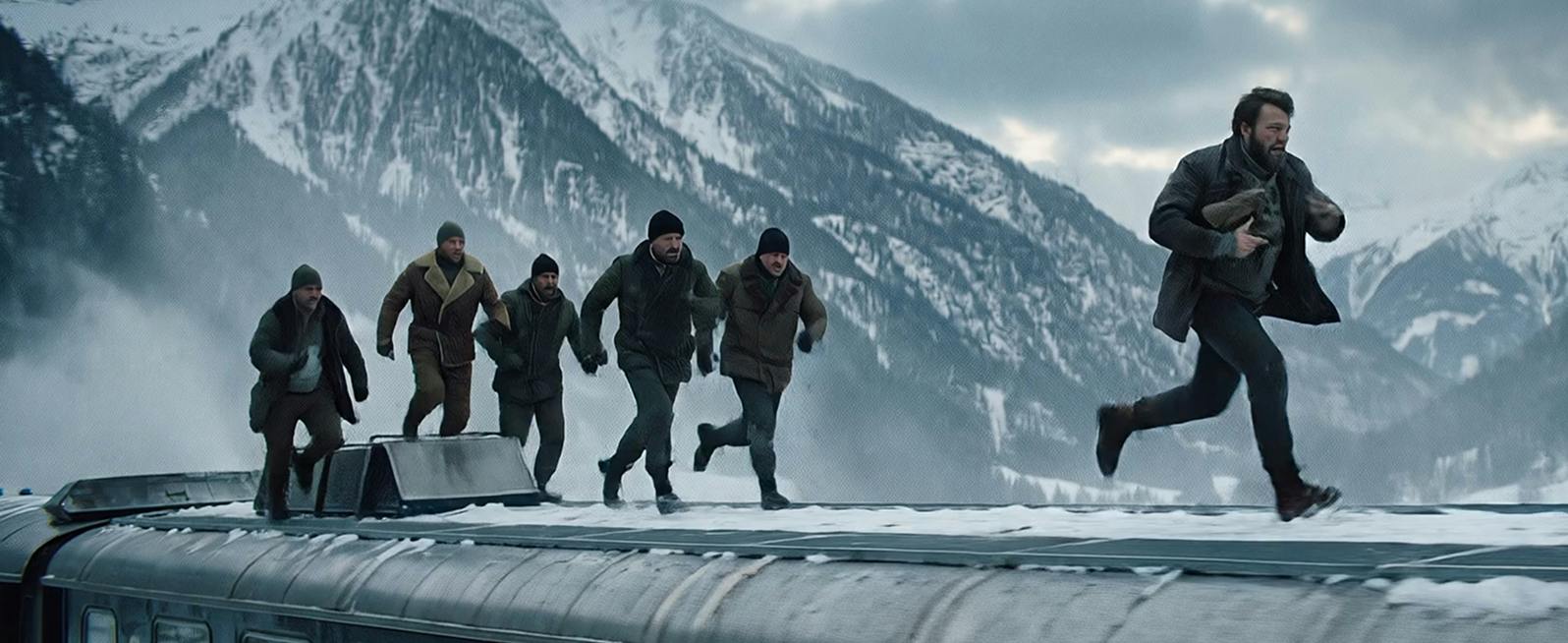
Sketch a shot in motion and test its mood before taking the idea into production.
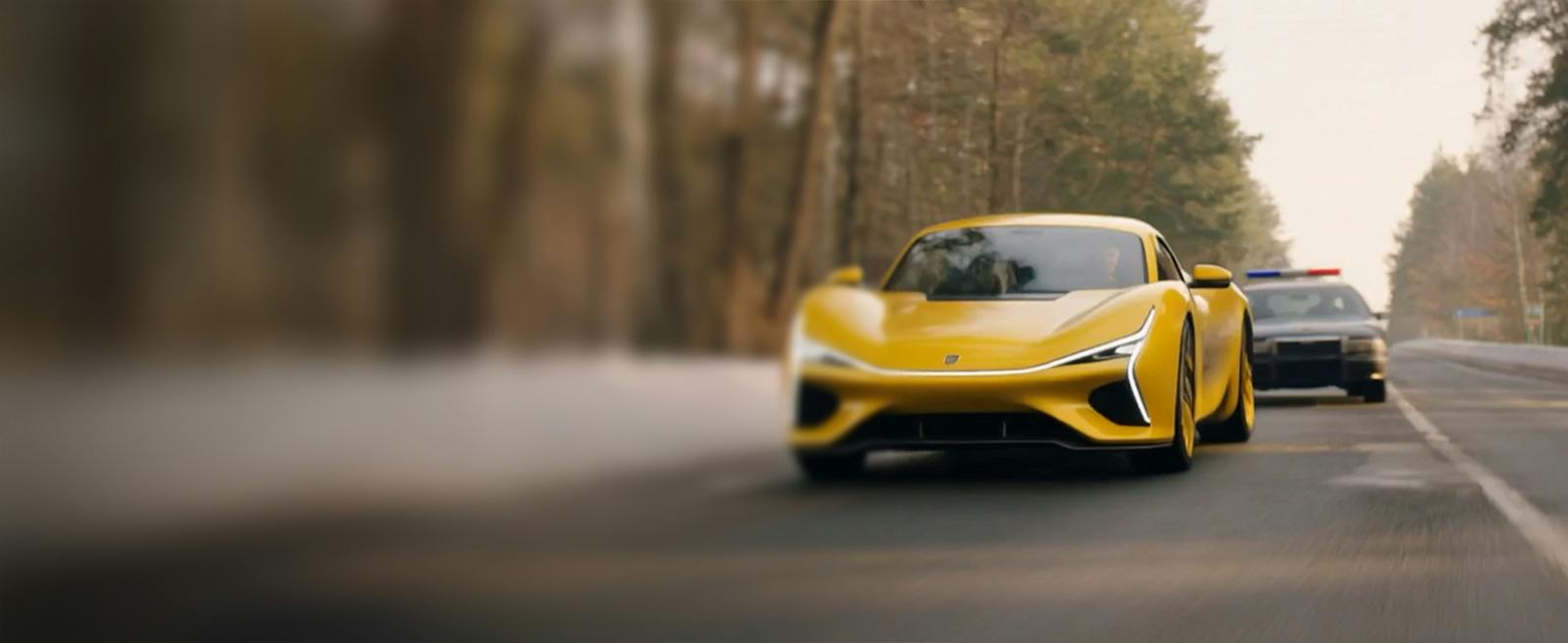
Explore how a product image or a visual concept could move within a larger campaign.
Keep a subject recognizable or suggest a composition. Select a mode to see which reference inputs your model supports.
Explore plans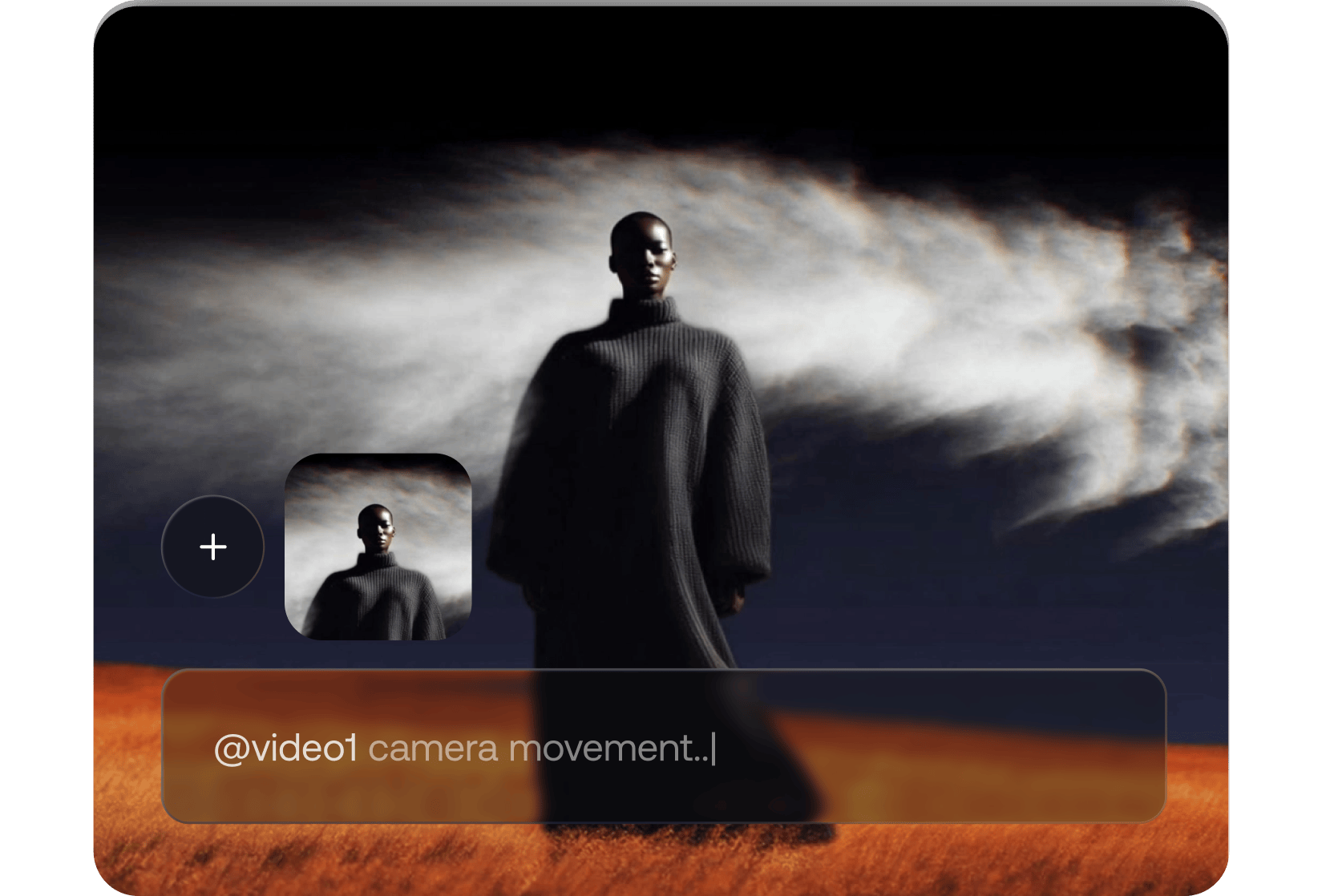
A specific visual brief makes each result easier to evaluate.
Explore plansGive the AI Video Generator one main action before introducing secondary movement.
Add your own images to communicate a look or composition. Reference options depend on the model and mode.
Tell the AI Video Generator how the camera should move and whether the shot should feel calm or energetic.
Choose an aspect ratio and resolution in the AI Video Generator to suit your final edit.
Compare versions against your brief. Keep the strongest shot and refine the details that matter most.
Start with a purpose, from a social post to an early film concept.
Create opening shots and visual hooks for a content series with the AI Video Generator.
Use the AI Video Generator to compare settings and moods before choosing a campaign direction.
Plan a product reveal around lighting, composition and a single deliberate movement.
Turn a scene description into a motion study with the AI Video Generator, then discuss it with your team.
Choose a SeaDance AI plan and bring your next video brief to life.
Bring your creative direction