Kling 3.0 from a written idea
Start Kling 3.0 with a subject, an action, and a setting. Describe the camera position and lighting, then compare the resulting clip with your original brief.
Create with Kling 3.0 using text prompts or first and last frames. Choose 3–15 seconds, set your output quality, and explore a scene with optional audio in one workspace.
Start CreatingKeep a person or object consistent using 2–4 views of each element.
Up to 3 elements. 2–4 JPG/PNG images per element, up to 10 MB each.
Avoid copyrighted characters, logos or music and sensitive, explicit or violent material; the provider may block them.
Generate up to 4 video variations with the same prompt and settings.
Start Kling 3.0 with a subject, an action, and a setting. Describe the camera position and lighting, then compare the resulting clip with your original brief.
Upload a starting image to Kling 3.0 and describe what should move. Add an ending frame when you want to guide the final composition. Review details after generation.
Give Kling 3.0 one clear visual goal. Describe a reveal, a tracking shot, or a change in perspective. Separate complicated ideas into individual clips when refining a sequence.
Select 3–15 seconds and 720p, 1080p, or 4K in Kling 3.0. Choose a format for your destination and inspect the displayed credits before starting a generation.
Enable audio in Kling 3.0 when the scene needs dialogue or atmosphere. Describe audible events alongside the action, then review sound and picture together before downloading.
Kling 3.0
on SeaDance AI
Use the Kling 3.0 workspace above to move from a first idea to a clip you can review. Start with a simple brief and refine one choice at a time.
Start CreatingKling 3.0 gives creators a place to explore motion concepts before choosing a direction. Use your own assets and review the result against the intended purpose.
Start Creating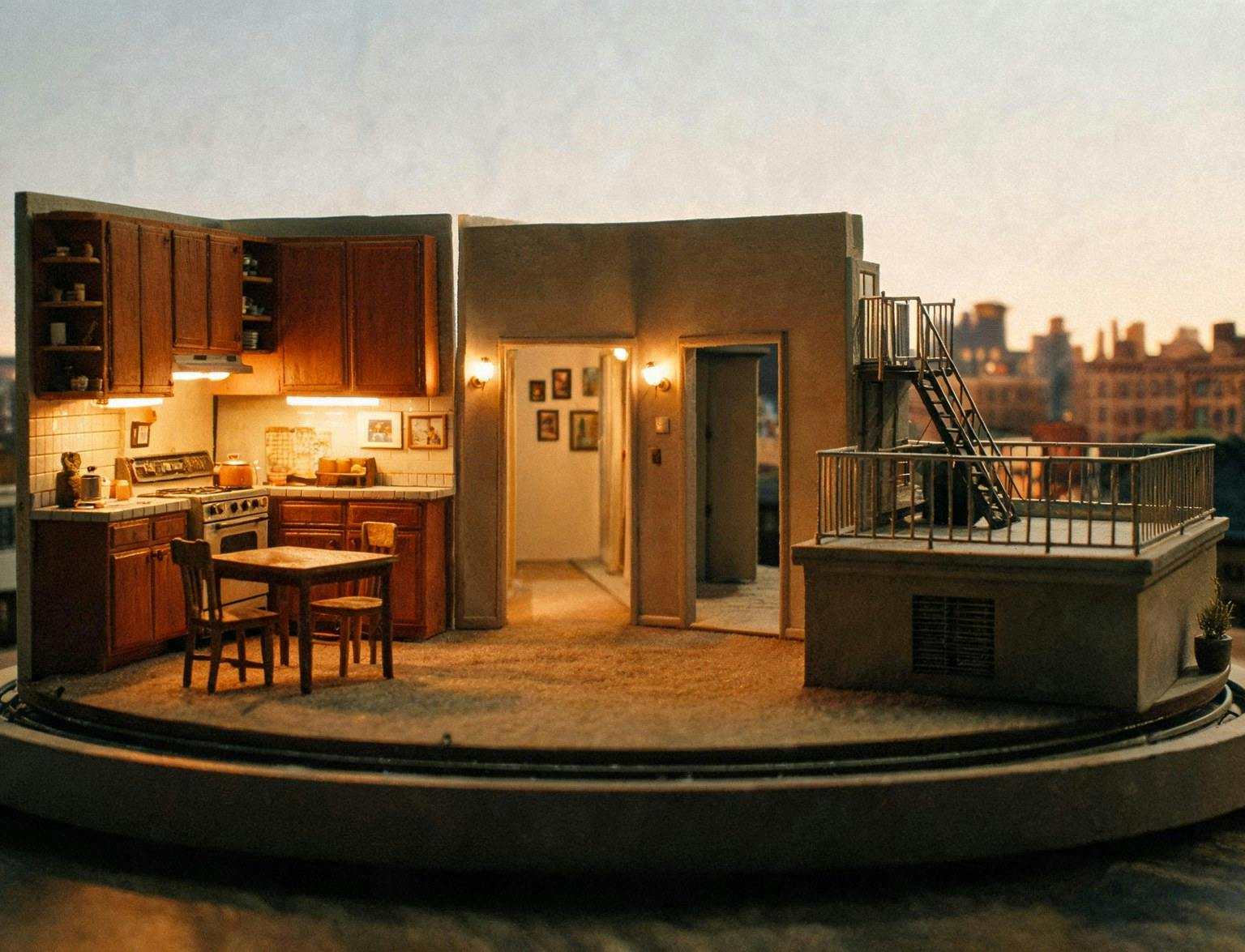
Try a product reveal with Kling 3.0. Start with a clear product image, describe the surroundings, and verify labels, proportions, and branding in the result.
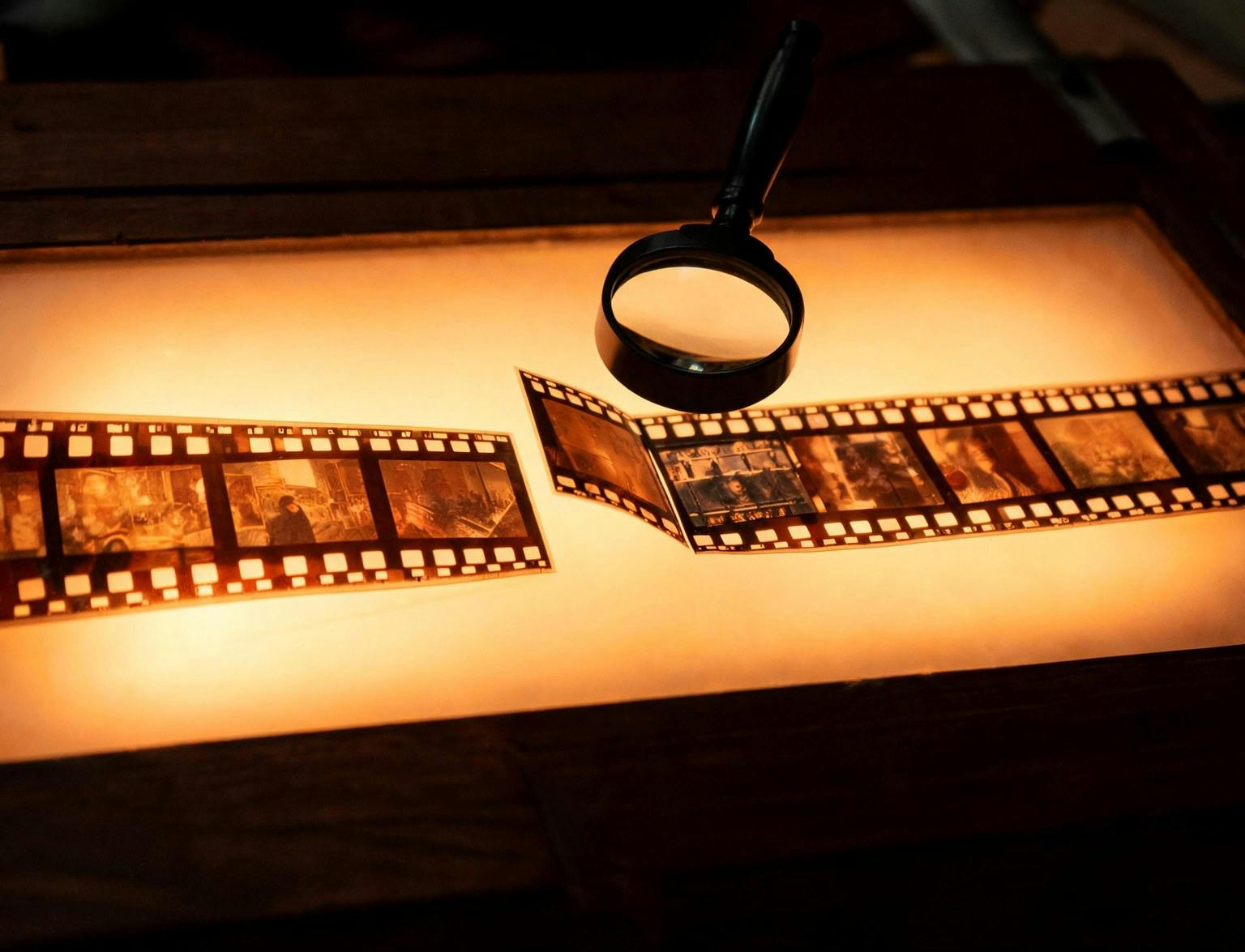
Explore a scene from your script with Kling 3.0. Compare framing and pacing before deciding which idea deserves more production time.
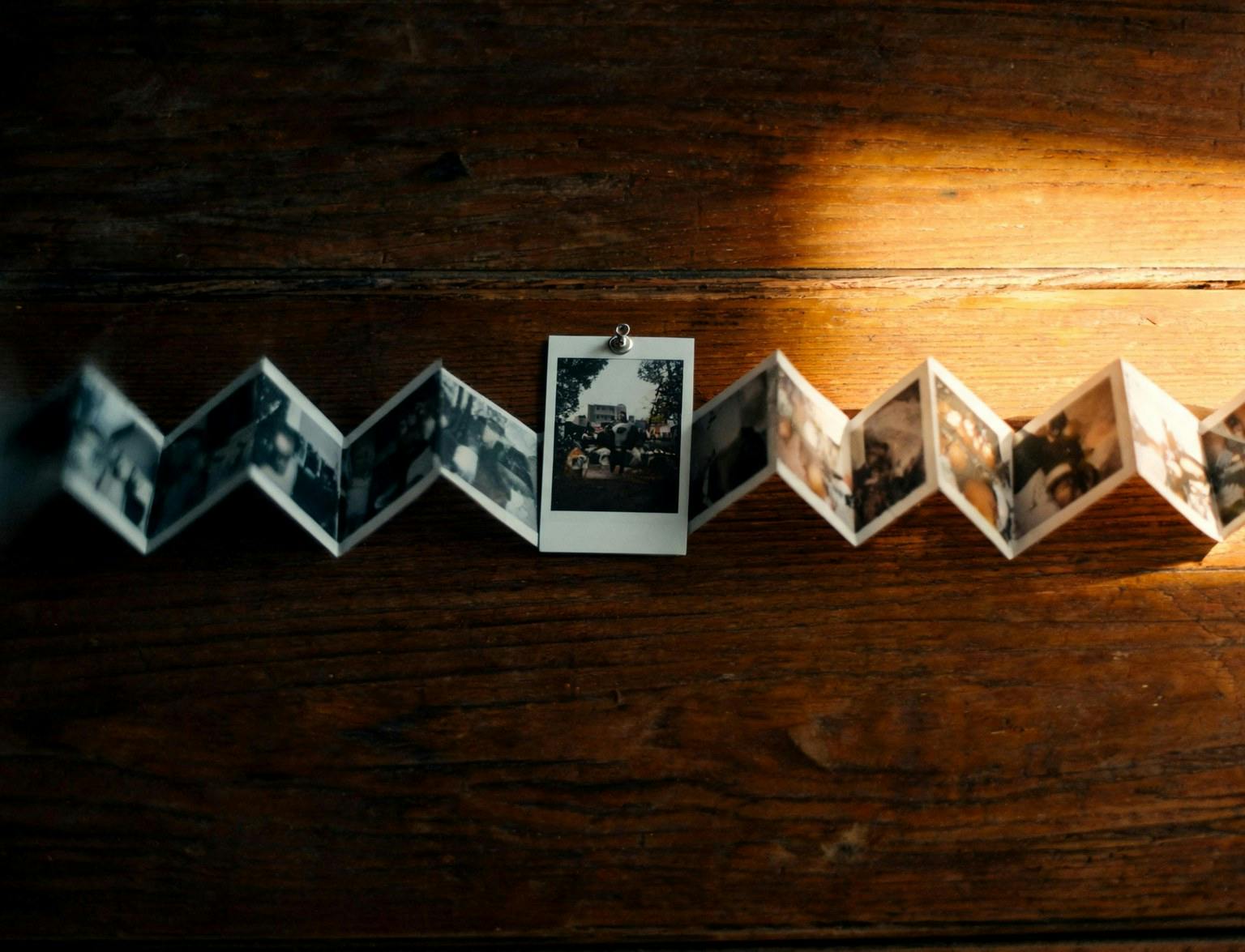
Develop an opening moment with Kling 3.0. Match the composition to your publishing format and keep the main action easy to follow on a small screen.
Bring a clear prompt and a deliberate visual direction to Kling 3.0. Preview each version and build on the details that work.
Start Creating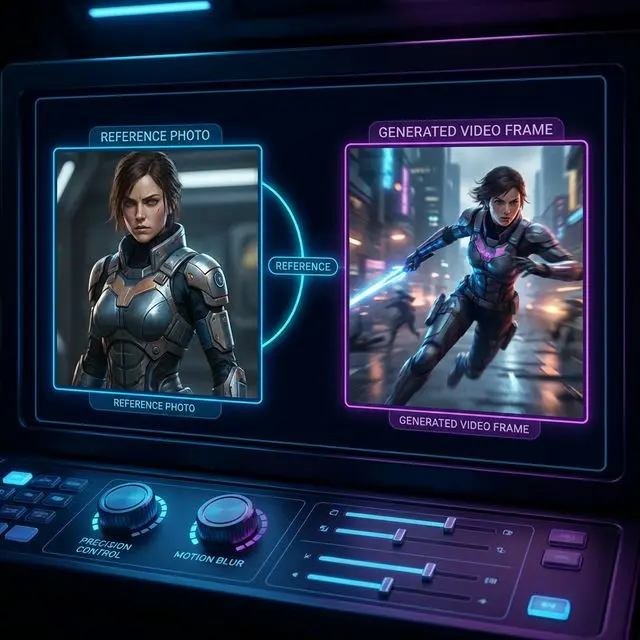
Keep your Kling 3.0 settings visible while reviewing results. The same workspace lets you change models without relearning the basic layout.
Start CreatingCreate with Kling 3.0 from a written prompt or a starting image. Optional end frames guide the destination of an image-based shot.
Select an explicit 3–15-second duration for Kling 3.0. Give a short action room to develop rather than packing an entire story into one clip.
Kling 3.0 offers 720p, 1080p, or 4K here. Larger output uses more credits; compare the estimate before generating. The existing annual-plan requirement applies to 4K output.
Choose whether Kling 3.0 should include audio. A silent clip can suit an existing soundtrack, while generated sound can help explore the atmosphere of a new scene.
Preview Kling 3.0 output in the result panel and revisit saved generations in My Creations. Download selected clips and keep useful prompt versions for later refinement.
Try Kling 3.0 for a focused scene, an opening shot, or a visual concept. Choose the purpose before writing your prompt.
Introduce one product with a clear angle and a deliberate camera move.
Build a short visual hook around one readable action.
Explore light and composition before planning a complete sequence.
Compare visual directions while retaining your brief and reference assets.
Open Kling 3.0, describe the moment you have in mind, and turn your first idea into a video you can review.
Your Kling 3.0 workspace