Keep a character recognizable
A blue headscarf and the folds of a dress make the explorer easy to recognize as the camera moves from a close-up to a wide shot.
Follow an explorer through a garden of giant flowers or watch five paintings flow into one shot. MAGI-2 generates up to 30 seconds of 1080p video with synchronized sound.
Open the video generatorKeep a person or object consistent using 2–4 views of each element.
Up to 3 elements. 2–4 JPG/PNG images per element, up to 10 MB each.
Avoid copyrighted characters, logos or music and sensitive, explicit or violent material; the provider may block them.
Generate up to 4 video variations with the same prompt and settings.
A blue headscarf and the folds of a dress make the explorer easy to recognize as the camera moves from a close-up to a wide shot.
In one continuous journey, a figure walks from a starry riverbank to a sunlit promenade. The brushwork changes around her as she walks.
Specify when to change shots or use an audio reference to set the pace. Listen for the beat that cues the next image.
Describe who speaks first and how the other person reacts. MAGI-2 can plan the sequence of reaction shots and close-ups.
Describe dialogue, footsteps or background music alongside the action. MAGI-2 generates the picture and its soundtrack together.
MAGI-2
Into a world of giant flowers
Build the brief around a setting, a subject and one camera move. Here’s how those choices read on screen.
View SeaDance plansThe same model can help a director study a performance, an editor plan a cut or an illustrator bring a drawing into motion.
View SeaDance plans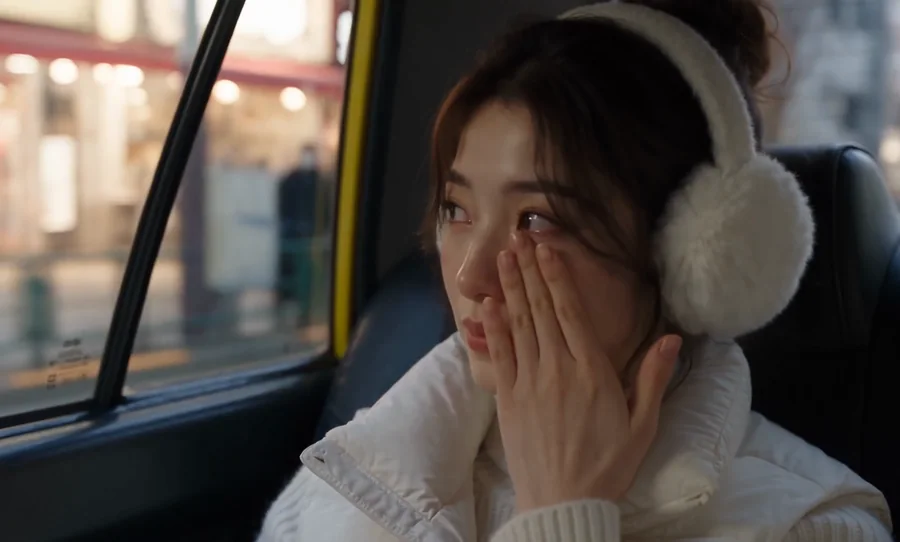
Use a close-up to see whether a passenger’s glance out the window carries the emotion of a scene.
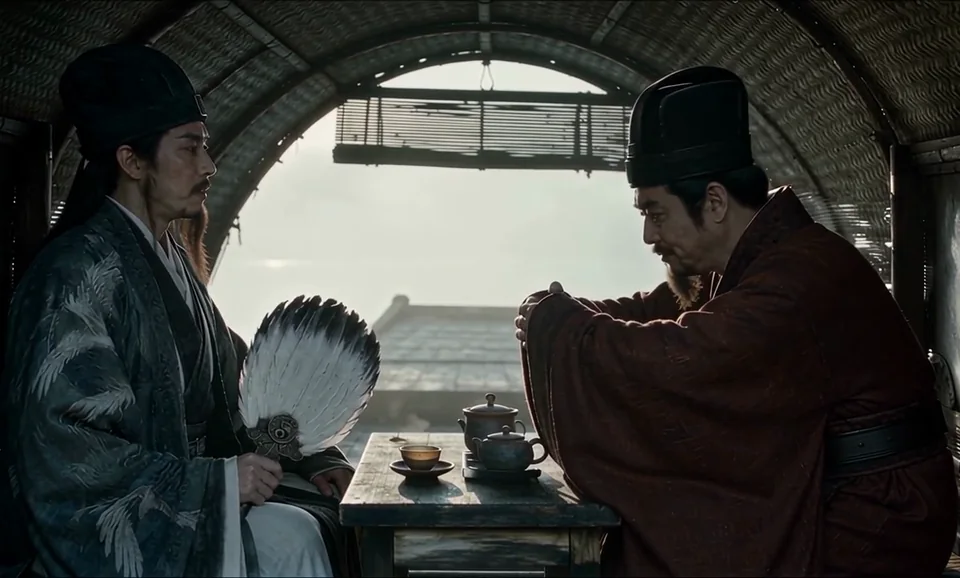
Try alternating between the speaker and the listener on a boat. Watch how the timing of each reaction changes the conversation.
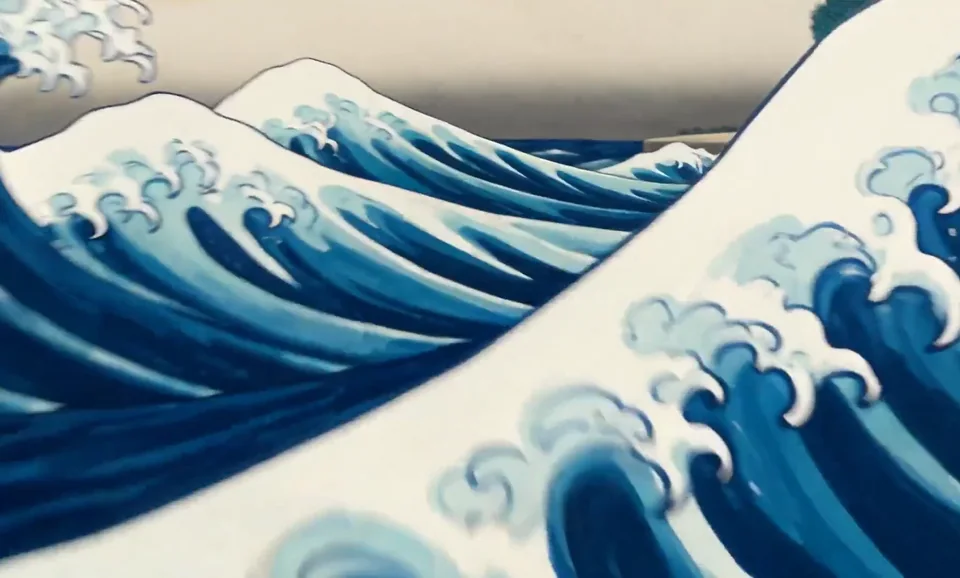
Sketch the shape of a wave, then explore how its contours and colors might hold together as the water moves.
Describe a single detail, such as the gold leaves lining an avenue. Decide how it should look from far away and as the camera passes beneath it.
View SeaDance plans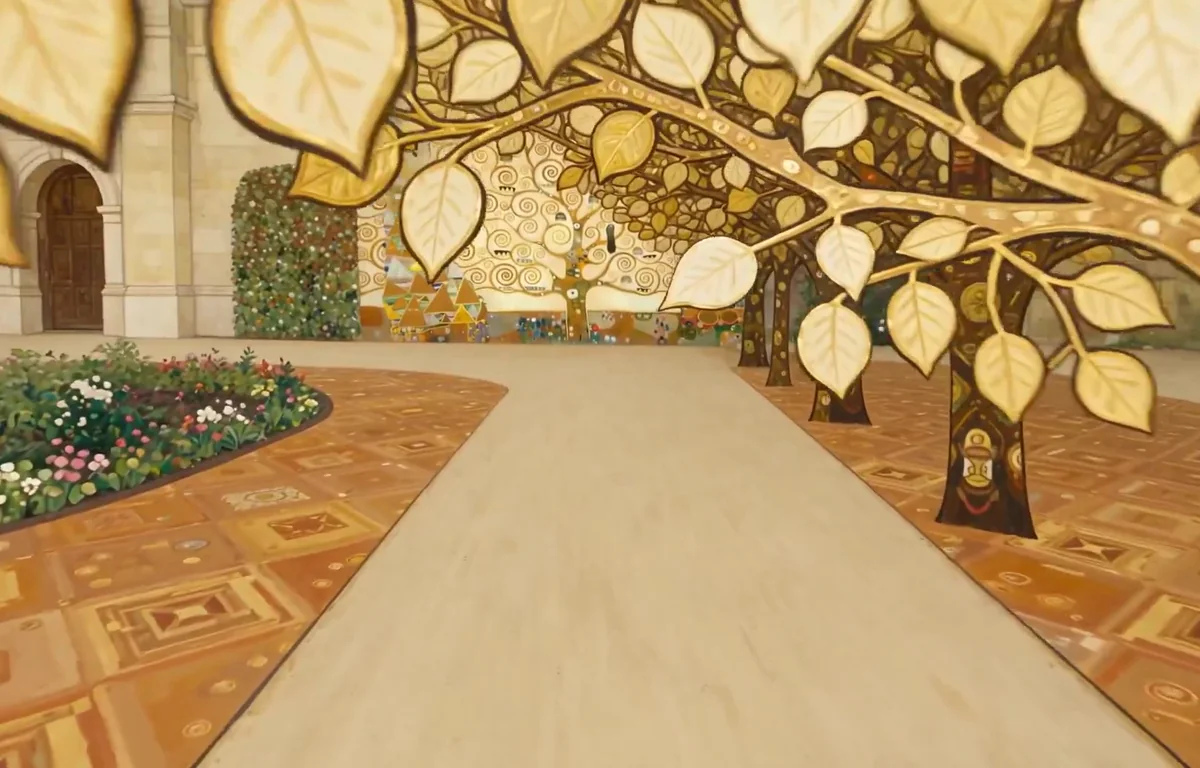
A brief can specify what viewers see, what they hear and when the scene changes.
View SeaDance plansGenerate a sequence up to 30 seconds long in 1080p at 25 frames per second.
Supply up to ten images and five video clips to describe a character, a location or the way something moves.
Add up to five audio clips to guide speech, music or the rhythm of a scene.
Name the moment for a cut, describe the next framing and specify which details should carry across the edit.
Ask for a change to an element in an existing clip and describe the surrounding details to preserve.
Different creative questions call for different shots. These are four ways to put a short sequence to work.
Try a wide shot of the boat followed by a close-up of the listener to decide when the audience should see the reaction.
Set a consistent scale for giant plants, then move a small character through the garden without losing that sense of size.
Choose a series of paintings and use one camera move to connect their different palettes and textures.
Map a reveal or a change of viewpoint to a musical cue and review the cut against the soundtrack.
Explore the SeaDance plans and choose a credit allowance for the shots you want to try in the generator.
MAGI-2 at a glance