Looking beyond Senzia? Turn a written scene or an image into a short video with SeaDance. Describe the action, direct the camera, and explore the next take.
Keep your first brief focused: a subject, an action, and a camera move. These concept frames offer a place to begin.
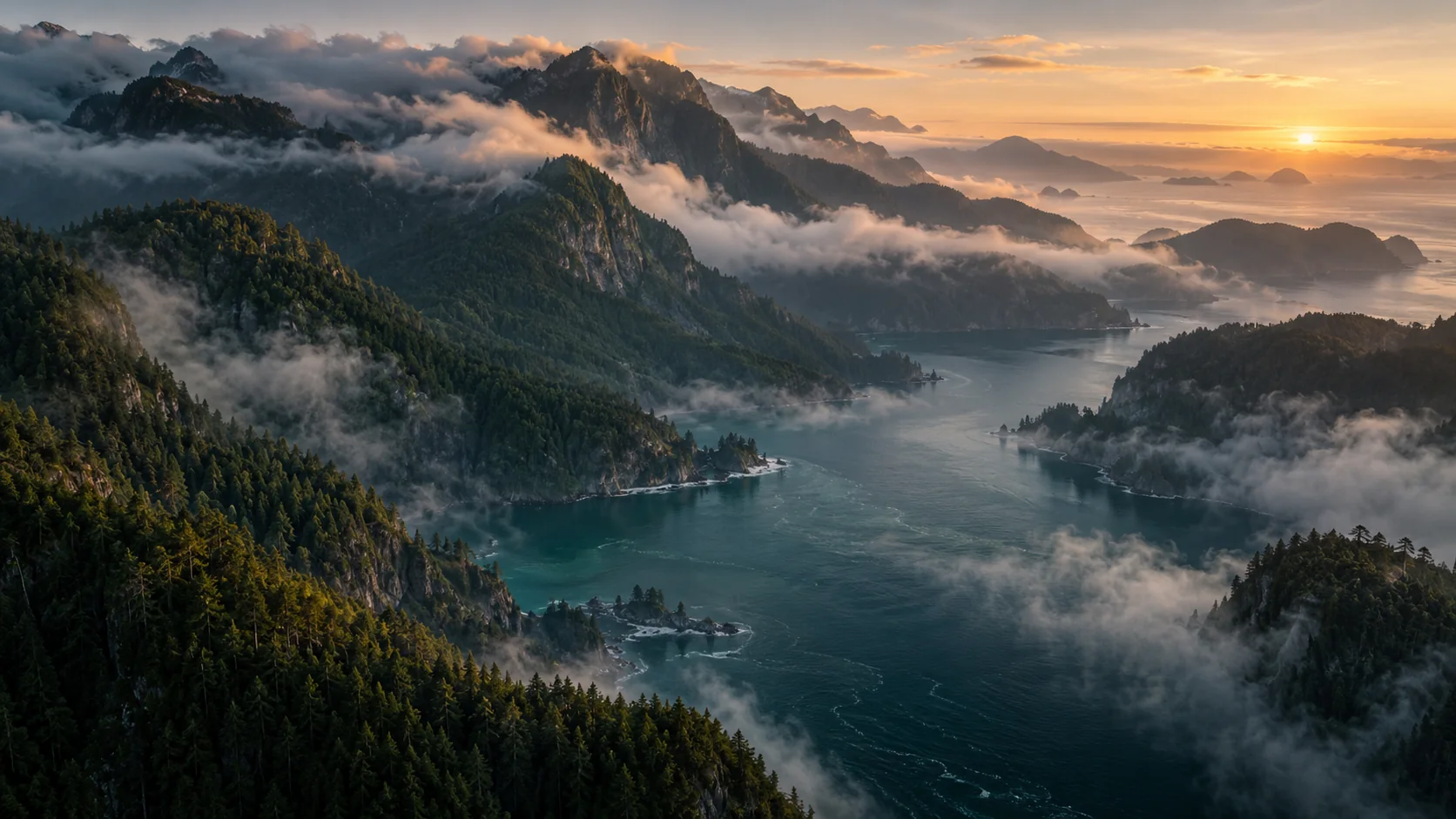
ESTABLISHING SHOT / 01
Open on somewhere new
A wide establishing shot of a forested coastline at sunrise. Low clouds drift between the mountains as the camera slowly pushes forward above the water. Keep the horizon level and the light warm. One continuous shot.
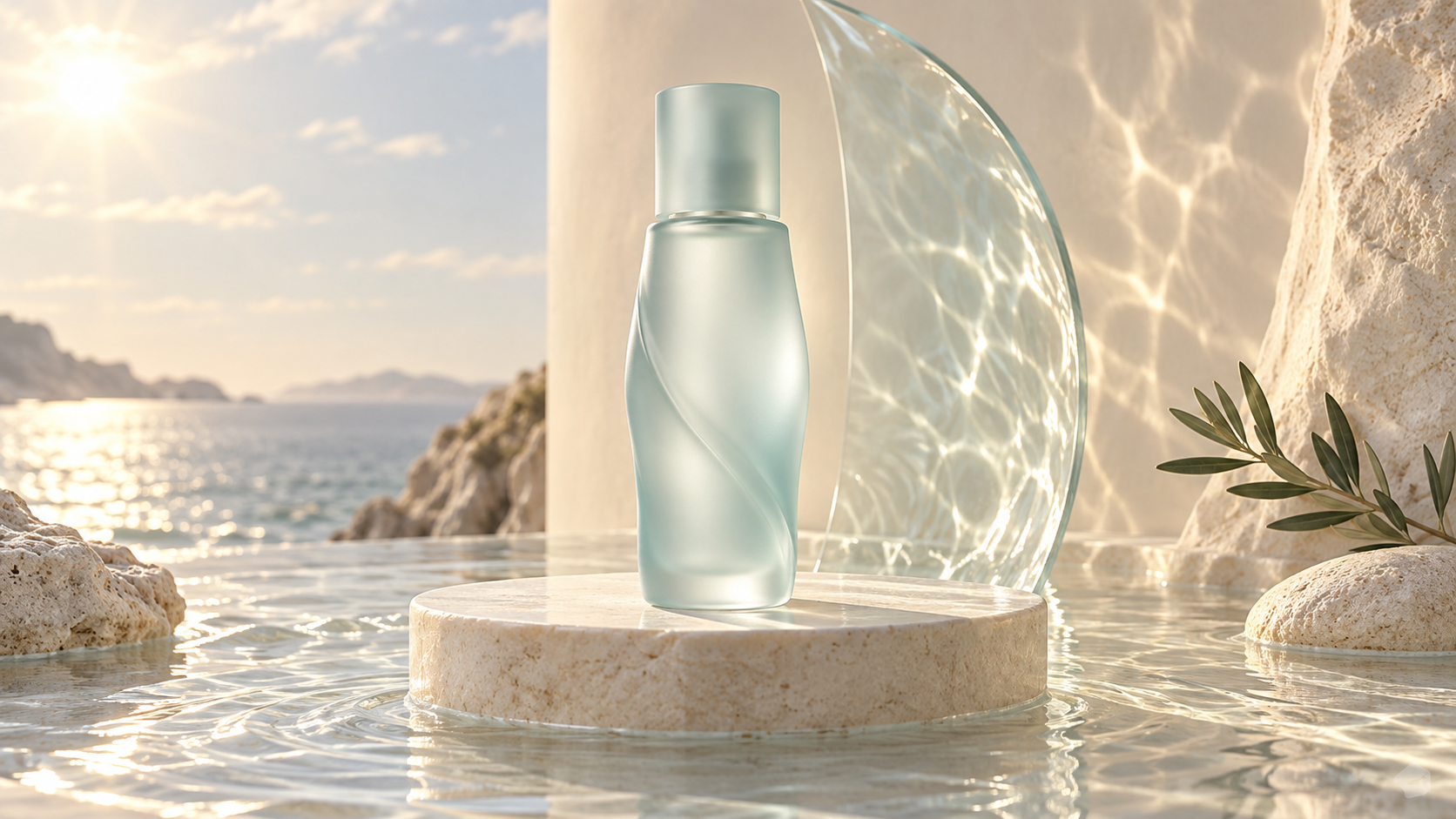
PRODUCT REVEAL / 02
Reveal the little details
A pale green glass bottle on a limestone plinth beside the sea. The camera slowly moves closer while gentle water reflections travel across the background. Keep the bottle still and its shape consistent. A calm, continuous product shot.
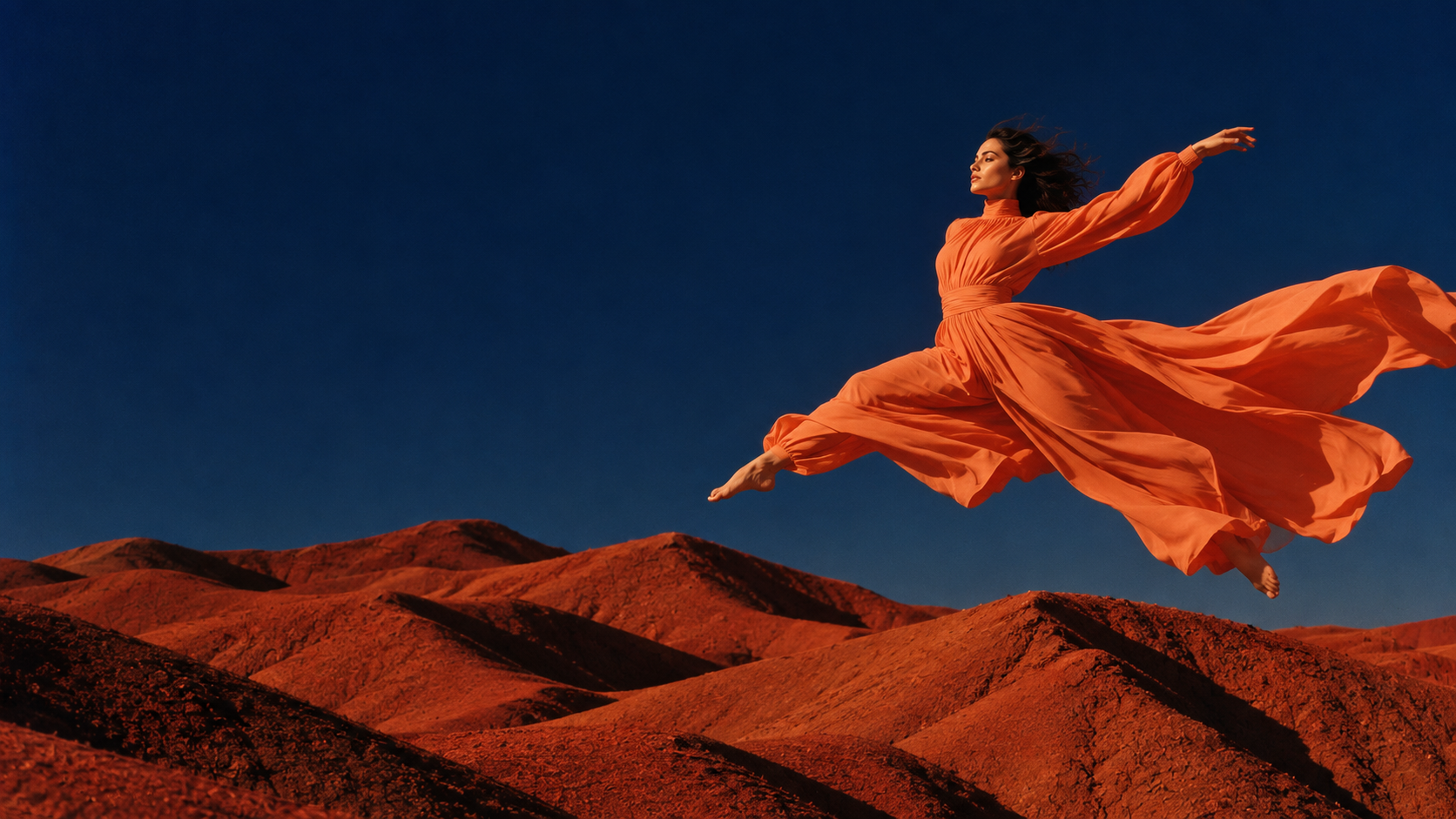
FASHION MOTION / 03
Let the movement lead
An adult dancer in an orange dress makes one slow turn in a desert landscape. Fabric follows the movement in a light breeze. The camera holds a wide view with a stable horizon. Keep the movement simple and the full silhouette in frame.
Creative direction examples from SeaDance assets. Sample briefs are starting points; results will vary.
MAKE IT IN SEADANCE
From a brief to a moving scene.
This is the SeaDance video workspace. Select a model and input mode, describe the scene, and review the settings and estimated credits.
Senzia is a separate AI creation platform with image, video, and audio tools. This SeaDance alternative focuses on visual storytelling: text-to-video, image-to-video, and reference-led scenes. Start with the material you already have and choose the controls that suit your shot.
Real model choicesCredits shown before generationYour own creative direction
A FEW THINGS TO KNOW
Senzia, SeaDance, and your next idea.
Choose the workflow with a clear picture of how it works.
What is Senzia?
Senzia is a separate AI creation platform with image, video, and audio tools. This SeaDance page focuses on text-led and image-led video creation.
Is this page operated by Senzia?
No. The tools on this page are provided by SeaDance, an independent service. SeaDance is not affiliated with Senzia, and accounts and credits are separate.
How does this Senzia alternative work?
Use SeaDance's video workspace to choose an available model, describe a scene, and add images or references when the selected mode supports them. Check the estimated credits before generating, then review and download the result.
Should I start with text or an image?
Choose text when you want to describe a new scene. Choose an image when the opening composition is already defined, then describe the action and camera movement.
Which duration and resolution should I choose?
Use the options available for your selected model in the generator. Start with a focused shot, review the credit estimate, and judge the result against your original brief before making a longer or more detailed version.
Can I create a still image first?
Yes. SeaDance's text-to-image and image-to-image tools can help you develop a visual starting point. Download the image you want to use, then add it to the image-to-video workflow.
 ESTABLISHING SHOT / 01